
This post was written by WISD’s culinary teacher and head volleyball coach. I am really excited to see how she is going to utilize technology in her classes this year. Please read her thoughts and give us feedback. We are looking for ways to use Google Cardboard in the culinary classes.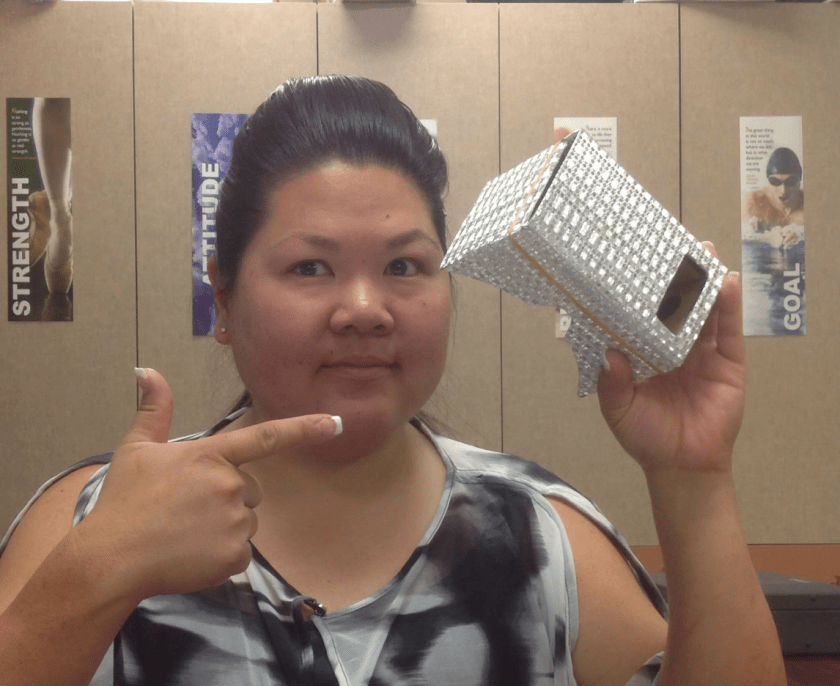
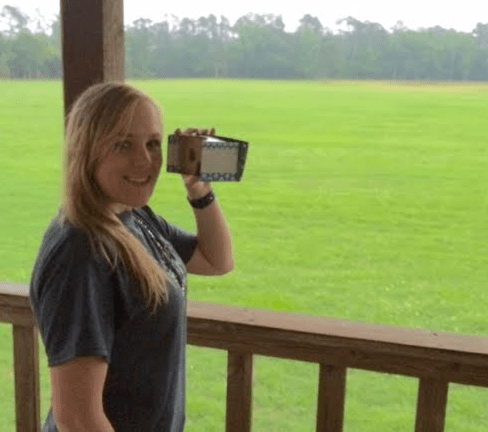
Google Cardboard ideas- Michelle Weichert
There are lots of things for science
Rollercoaster (Physics)
Jurassic (Biology)
Sea World (Biology)
Gravity Pull (Physics)
Discovery VR (Science in general)
Fish Schooling (Biology)
National Geographic Wildlife (Biology)
View Master – Space (Astronomy)
VR Safari (Biology)
Molecule VR (Microbiology, Chemistry)
Chemistry VR (Chemistry)
Cardio VR (Athletics, Anatomy)
5d Planner (Interior Design)
Driving simulators
Public Speaking (english)
Virtual tours (History)
Several different locations, Paris, London, etc
Earth tours
I did not find a lot on cooking. It would be a GREAT supplemental to lessons as this technology grows, and apps come on board. The fact that it’s cheap, I would be willing to buy a class set. Many of the apps are free, but are limited, but with anything new, kids would love it!
Strengths
- Great at keeping kids occupied when you have down time
- Cheap, free apps
- Cardboard is relatively cheap
- New technology, very lifelike.
Weaknesses
- Kids may not have phones
- Rollercoaster is NOT FUN lololol
- Still pretty new, not a lot of educational apps
- Number of google cardboards available
- Durability, oil stains from faces, sanitary issue
Questions
- Does it work with any phone?
- Will the district buy this?
I’m not sure HOW I would integrate it into classes that I teach, but I can see (no pun intended) how it can be very useful to other subjects. I feel that older kids would find fun in working with some virtual reality things, and can really supplement lessons. (For example, biology studying sea life, can see schools of fish, competitions to identify species of fish, see animals and sea life they may have never seen before)
It could be used as a reward, as there are many games available to use. It is very lifelike, which really is the point of virtual reality.

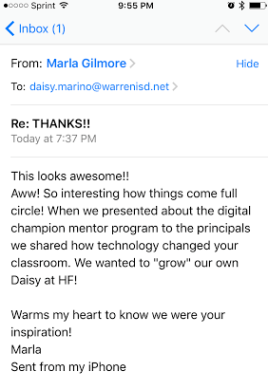 dents had created throughout the year? These were teachers that were not really utilizing technology, and now they were presenting to other teachers. It really lit a fire inside of me. I began emailing Marla, one of their Instructional Technologists, and she immediately began helping me start on my journey of implementing this program at my school. Y’all, I am so pumped right now. I took their information, tweaked it to our needs, and then presented it to my administration. They are all on board. The coolest thing that happened from this process so far is the email that I received from Marla today. It reminded me of where I started – a teacher so afraid of technology that she rolled the SMART Board out of her room and refused to use it. A teacher so scared of not teaching to the test that no real world projects or learning was happening. A teacher so scared of change that she did the same thing year after year after year. A teacher whose passion was sparked one night on Twitter and she never looked back. A teacher that made a huge change for herself and for her kiddos. Guys, this can be you. If I changed – anyone can, and that’s just the truth. I will absolutely be blogging about this whole process. I am so thankful to Marla and her colleagues for sharing and helping me to remember who I am and what this is all about. The following is the flyer that I made to introduce our new program to the teachers in my district. I am so excited about next year and the chance to get into classrooms and really help teachers infuse technology into their daily routines. I am excited to tailor lessons to specific grade levels and content. I am excited to see students grow and thrive with the world at their fingertips. And I am even excited to fix some computers, restart servers, and troubleshoot any technological issue that may come my way.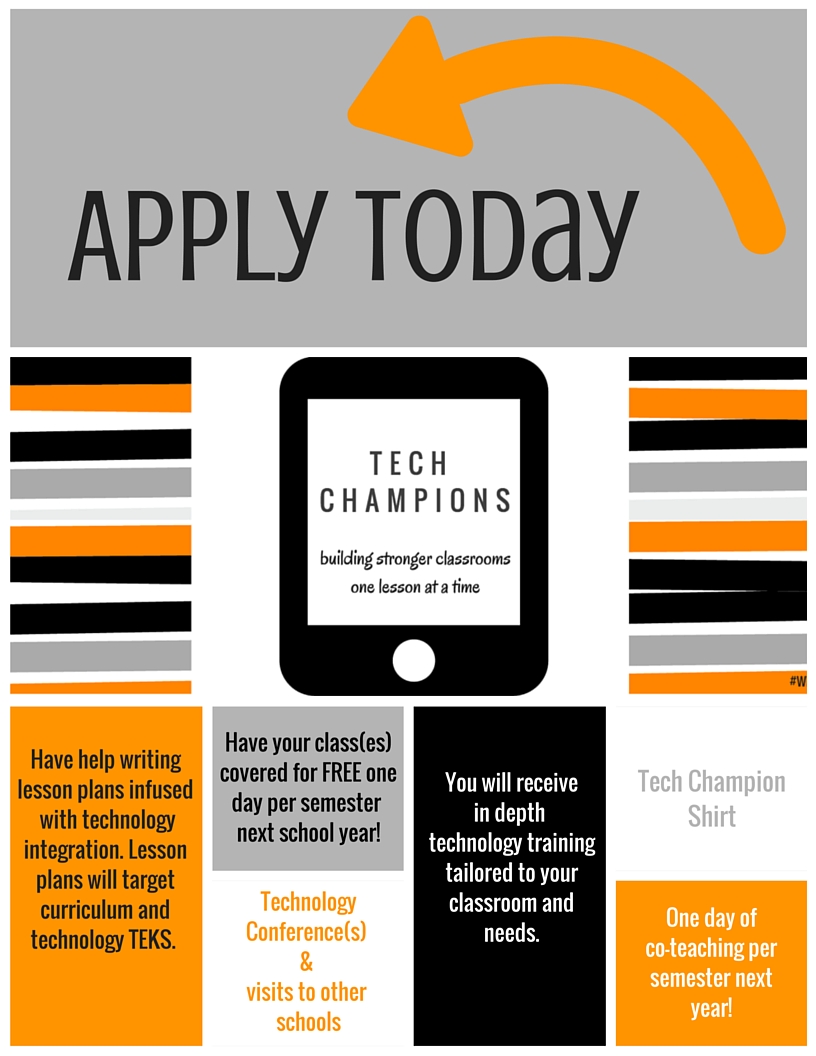

 Rays of Sunshine inc